As-Built SketchUp Models
Lightweight, accurate 3D models for design exploration, massing studies, and stakeholder presentations - without the overhead of a full BIM model.
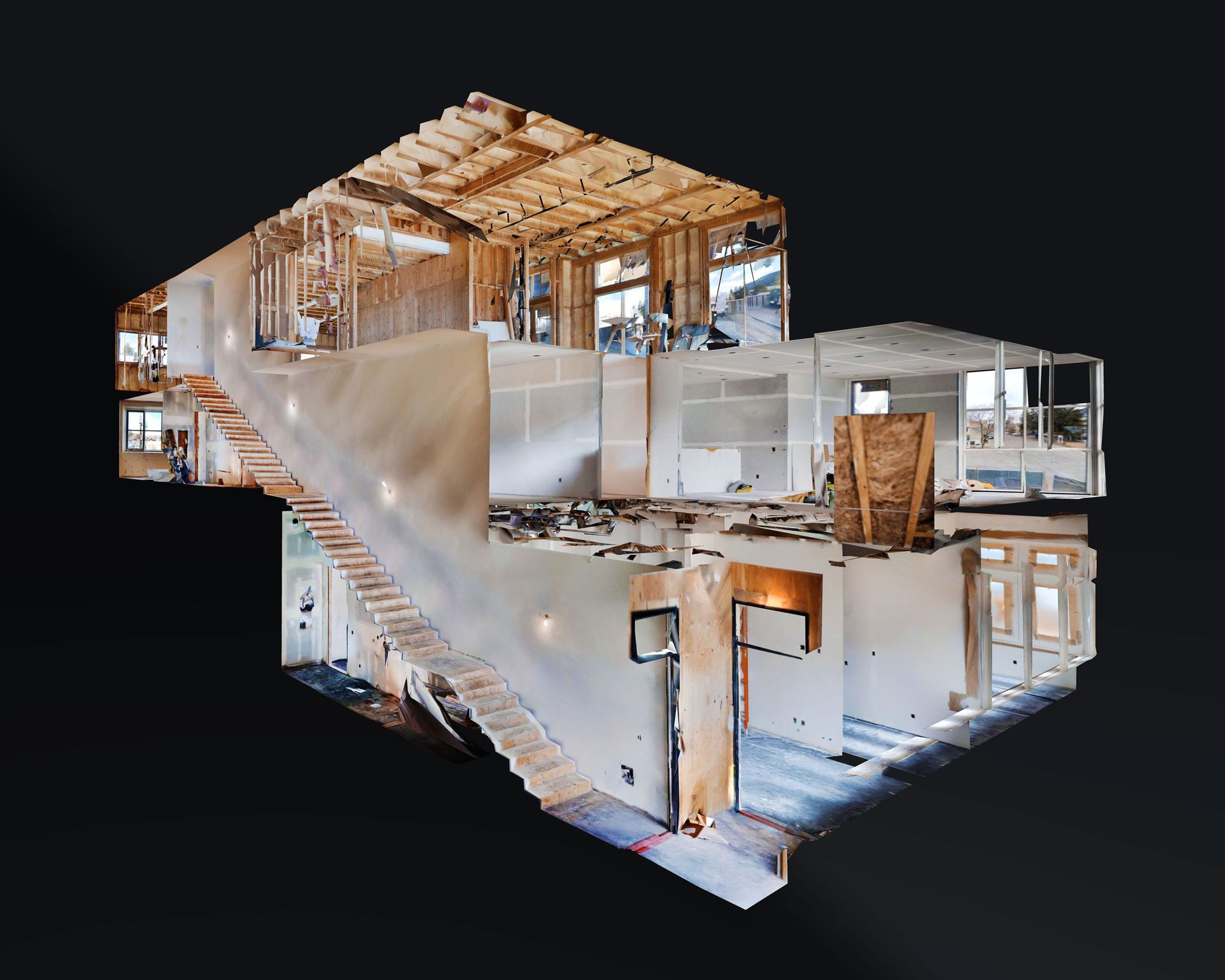
What Are As-Built SketchUp Models?
An as-built SketchUp model is a lightweight 3D representation of an existing building, constructed from verified laser scan data. Unlike a full BIM model - which includes intelligent parametric objects and detailed system information - a SketchUp model focuses on geometry, spatial relationships, and visual clarity. It gives you an accurate, navigable 3D view of the building without the complexity or cost of a Revit deliverable.
SketchUp models are ideal for early-stage design exploration, massing studies, interior layout concepts, and stakeholder presentations. Architects use them to test renovation ideas against real geometry. Developers use them to communicate spatial intent to investors and tenants. Interior designers use them to plan furniture layouts and visualize material palettes - all grounded in dimensionally accurate scan data rather than approximation.
We produce as-built SketchUp models for commercial, institutional, and residential buildings across Ottawa, Toronto, Montreal, and the rest of Canada. Every model is built directly from registered point cloud data, so the dimensions, proportions, and spatial relationships reflect the building as it actually exists.
Who Needs SketchUp Models?
Architects & Designers
Explore renovation concepts, test massing options, and develop design direction against accurate existing-condition geometry - before committing to a full set of construction documents.
Developers & Property Owners
Present building conditions to stakeholders, support due diligence with visual documentation, and produce marketing renders that reflect the actual space - not approximations.
Interior Designers
Plan furniture layouts, visualize material and colour concepts, and communicate spatial ideas to clients with a 3D model grounded in verified dimensions and accurate room proportions.
Renovation Contractors
Visualize pre-construction conditions, communicate scope to subcontractors, and align client expectations with a clear 3D representation of the existing building.
Our SketchUp Modelling Process
Point Cloud Review
We start with the registered point cloud - a dimensionally accurate 3D record of the scanned building. The cloud is reviewed for completeness and any areas requiring interpretation are noted in the assumptions log.
Modelling & Geometry
Walls, floors, ceilings, doors, windows, and key architectural features are modelled in SketchUp, traced directly from the point cloud. The model captures the building's spatial layout, proportions, and structural relationships.
Texturing & Cleanup
Materials and textures are applied where appropriate to improve visual clarity. The model is organised into logical groups and layers for easy navigation and downstream editing by your design team.
Delivery
The finished SketchUp file is delivered in .SKP format, ready for immediate use. One revision round is included in standard scope to address any adjustments before final release.
What You Receive
Your deliverable is a clean, organised SketchUp model that accurately represents the existing building. The model includes walls, floors, ceilings, doors, windows, and major architectural features - modelled to the level of detail appropriate for design exploration, massing studies, and visual presentations. Groups and layers are structured so your team can work with the file immediately.
Dimensional accuracy: All geometry is built from registered point cloud data, so the model reflects the building's actual dimensions, proportions, and spatial relationships. Specific accuracy depends on scan conditions and project scope - documented in the assumptions log delivered with every project.